
Building a Custom Home in Austin or the Hill Country? The 2026 Smart Home Low-Voltage Pre-Wire Checklist & Timeline
Quick Facts — 2026 Austin & Hill Country Pre-Wire Summary: As typical 2026 budgeting ranges (always quoted from your plans), the low-voltage rough-in pre-wire for a smart custom home runs about $2.50 to $6.00 per finished square foot, depending on how many systems you wire for. That is roughly $12,500 to $30,000 for a 5,000 sq ft home, before equipment, trim, and programming. Pre-wire is pulled after framing and rough electrical, before insulation and drywall, and we recommend bringing your integrator into blueprint review at least 90 days before framing starts, so the equipment rack, shade pockets, keypad locations, and conduit to any casita, gate, or dock are drawn into the plans instead of improvised on site.
Every wire in a smart home has one chance to go in cheaply: the few weeks when the studs are open. After insulation and drywall, each missed cable becomes a wireless compromise or a patch-and-paint job. For owners building in Westlake, Barton Creek, Lakeway, Spicewood, Dripping Springs, and Lago Vista, where homes are large, lots are rocky, and guest houses or boat docks can sit hundreds of feet from the main house, that window matters even more.
At Capitol Technology Group, we plan and install low-voltage infrastructure for custom homes from our Austin office at 9705 Burnet Rd #319, working alongside builders, architects, and electricians. This guide covers what a pre-wire should cost, when each decision has to be made, and exactly which cable goes where. If you're an architect or builder, see how we work with trade partners.
What a Smart Home Pre-Wire Includes
A pre-wire is all the cabling that isn't line-voltage power: network and Wi-Fi, TV and media walls, speakers, cameras and doorbells, lighting control keypads, motorized shades, and conduit for anything you're not sure about yet. Every run goes "home" to one central equipment rack, gets labeled at both ends, and is terminated and tested after drywall. Done right, it sets the ceiling for every system you add, now or ten years from now.
2026 Pre-Wire Cost for Austin Custom Homes
Published 2026 guides put a basic network, audio, and security pre-wire at about $1.50 to $2.50 per square foot, with comprehensive, automation-ready packages running from about $2 to $8 per square foot depending on device count. Hill Country custom homes usually land in the upper half of that spread because they carry more of everything: more windows with motorized shades, more audio zones, more outdoor space, and longer runs to outbuildings.
Table 1: Pre-Wire Budget by Scope (Typical 2026 Austin-Area Ranges)
| Scope | What's Wired | Typical Rough-In Budget | 5,000 Sq Ft Example |
|---|---|---|---|
| Essential | Network drops, ceiling Wi-Fi access points, TV walls, cameras and doorbell, 2–4 audio zones, conduit to the attic | $1.50 – $2.50 / sq ft | $7,500 – $12,500 |
| Full Smart Home | Everything above, plus lighting control keypads, wiring at selected shade windows, 6–10 audio zones, central rack, touchscreens | $2.50 – $4.00 / sq ft | $12,500 – $20,000 |
| Hill Country Estate | Everything above, plus Cat6A throughout, shade wiring at most windows, theater, outdoor and pool audio, fiber to casita, gate, or dock | $4.00 – $6.00+ / sq ft | $20,000 – $30,000+ |
Ranges are budgeting guidance for rough-in labor and cable, not quotes. Equipment, trim-out, and programming are priced separately after we review your plans.
The cost case is simple. Published 2026 pricing puts a Cat6 drop in open walls at roughly $100 to $250, while the same drop in a finished home commonly runs $350 to $500 or more once fishing, patching, and paint are included. Some runs, like conduit under a slab or to a detached building, are close to impossible to add later.
The 6-Stage Custom Home Technology Timeline
Most low-voltage problems on custom builds come from decisions made too late, not from bad wiring. This is the sequence we follow with Austin and Hill Country builders, and it fits inside our standard design and installation process: discovery, system design, implementation, and ongoing service.
Table 2: 6-Stage Custom Home Tech Timeline for Austin Builders
| Stage | When | What Gets Decided or Installed | Who's Involved |
|---|---|---|---|
| 1. Discovery & design | Schematic design, 90+ days before framing | Systems wish list, lighting control platform, rack location in conditioned space, window schedule for motorized shades, TV and speaker locations | Owner, architect, integrator |
| 2. Construction documents | Before the permit and bid set is final | Low-voltage plan sheet, keypad schedule with gang counts, lighting load schedule, shade pocket details drawn to depth, neutral at switch boxes | Architect, integrator, electrician |
| 3. Site & slab | Before the foundation pour and site trenching | Conduit sleeves under the slab, floor boxes, conduit from the service entry, trenches and conduit to casita, gate, pool, or dock | Builder, integrator, site contractor |
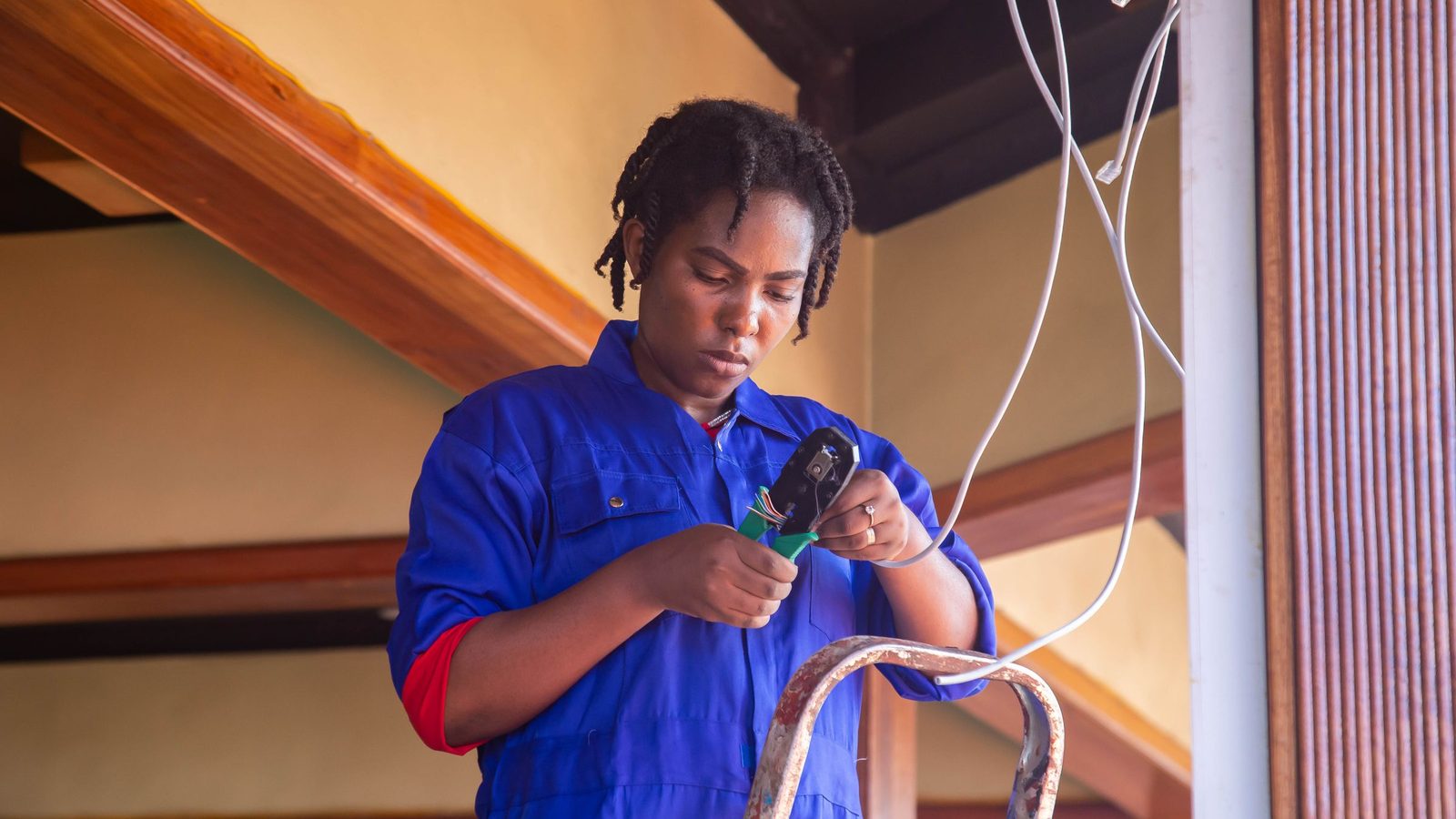
| 4. Rough-in | After framing and rough electrical, before insulation | Cable pulled and labeled, keypad and shade boxes set, blocking at shade brackets, speaker and access point locations confirmed | Integrator, electrician |
| 5. Pre-drywall walk | Before insulation (especially spray foam) | Walkthrough against the plan, photos of every open wall, cable protected for drywall | Owner, builder, integrator |
| 6. Trim & commissioning | After paint, before move-in | Termination and testing, shades measured after finishes, rack build, Wi-Fi walk test, programming, owner walkthrough | Integrator, owner |
Decisions That Must Be Made Before Rough Electrical
- Lighting control platform. A wired system like Lutron HomeWorks QSX shapes the electrical plan: keypad locations, panel wall space, and load schedules. See our Austin Lutron lighting & shading page.
- Ketra or tunable lighting. Lutron requires Ketra fixtures to receive continuous, unswitched power that bypasses any dimmer or switch, so the electrician has to wire for it from the start.
- Neutral at every switch box. The National Electrical Code has required a neutral conductor at most switch locations since the 2011 edition, and many smart dimmers and keypads need one.
- Shade pockets. Recessed pockets are framing, not trim. They need to be drawn to depth and blocked before drywall (our Lutron motorized shades cost guide covers pocket specs).
- Rack location. Put the equipment rack in conditioned space with ventilation and its own circuit. Attic and garage closets get too hot in Central Texas summers.
Room-by-Room Cable Schedule
This is the schedule we start from on a Hill Country custom home, then adjust to the floor plan.
Table 3: Room-by-Room Cable Schedule
| Location | Recommended Cable | Why |
|---|---|---|
| Ceiling Wi-Fi 7 access points (indoor and covered patios) | 1–2 Cat6A per location | Cat6A carries 10GBASE-T over the full 100 m channel; many Wi-Fi 7 access points have 2.5G to 10G ports and need PoE++ (IEEE 802.3bt) power |
| TV and media walls | 2–3 Cat6A, plus 1¼"–2" ENT conduit back to the rack, recessed box behind the TV | Video and control from the rack, with a pathway for future cable |
| Home office and desks | 2 Cat6A per desk | Wired speed for video calls and large uploads |
| In-ceiling and in-wall speakers | 14/2 speaker wire (16/2 for short runs), CL2/CL3-rated for in-wall use | Home-run to the rack so every zone is amplified centrally |
| Lutron keypads (wired QS link) | Lutron QS cable such as GRX-CBL-346S: an 18 AWG power pair plus a 22 AWG twisted, shielded data pair, for links under 500 ft | Lutron's specified wiring for QS keypads and devices |
| Motorized shade heads and pockets | Lutron QSH-CBL-M: a 16 AWG power pair plus a 22 AWG twisted, shielded data pair; 12 AWG (QSH-CBL-L) for longer runs | Lutron sets the maximum run length per shade by wire gauge, so long runs need heavier power conductors |
| Touchscreens and control panels | 1 Cat6A each | Power and data on one cable |
| Exterior cameras and video doorbell | 1 Cat6A each at eave corners, entries, and the driveway | PoE cameras record reliably without Wi-Fi |
| Outdoor, pool, and landscape audio | Direct-burial-rated speaker wire in conduit, stubbed at the yard | Ready for landscape speakers and subwoofers later |
| Casita, guest house, gate, boat dock, detached garage | Fiber in conduit, plus a spare Cat6A and pull string | Copper Ethernet is limited to 100 m (328 ft), and fiber doesn't carry surges between buildings |
| Service entry and attic | Empty ENT conduit from the service entry to the rack, and from the rack to an accessible attic | Lets new cable reach the rack later without opening walls |
Cat6 or Cat6A in 2026?
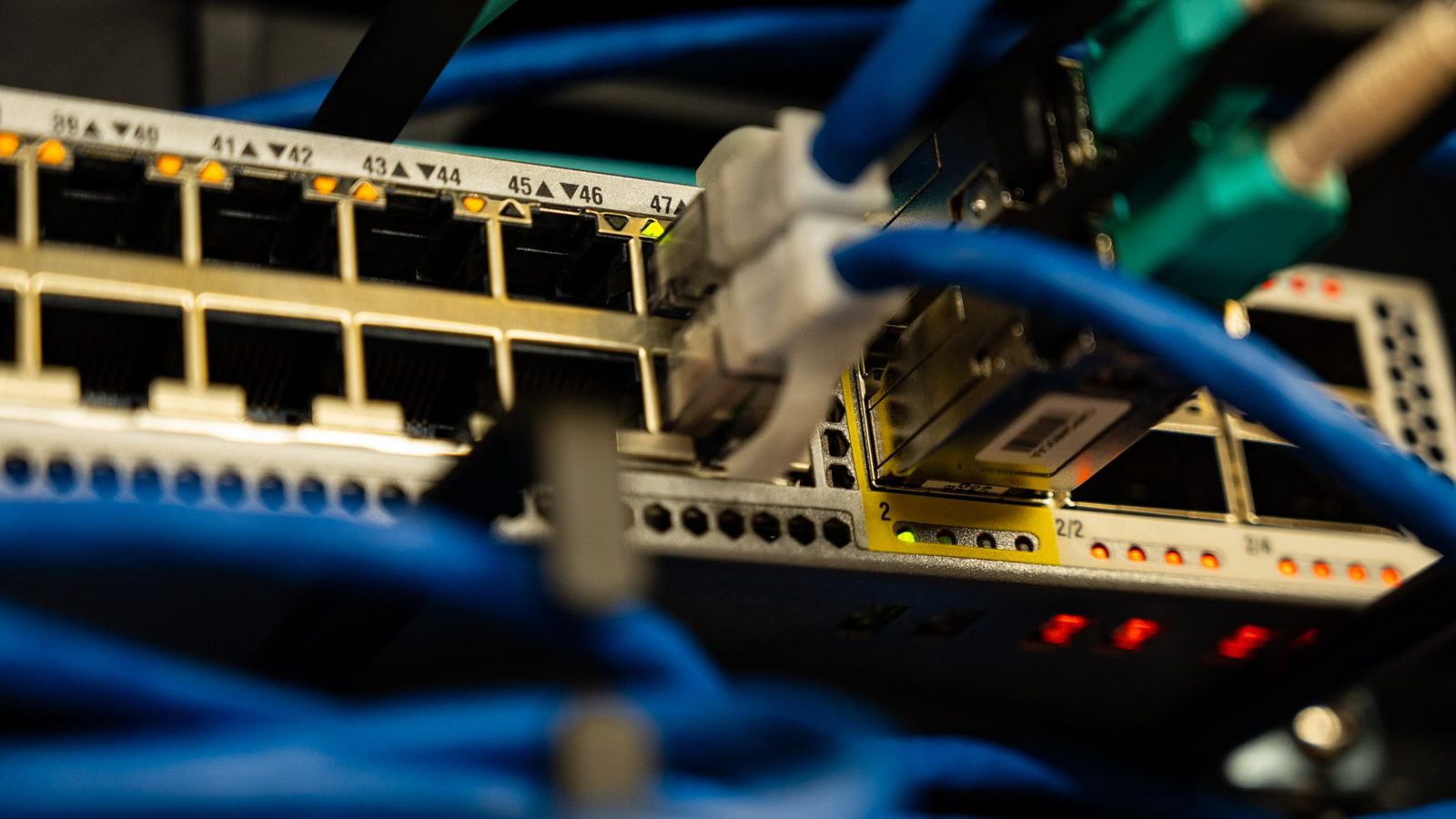
Cat6A is rated to 500 MHz and supports 10-gigabit Ethernet over the full 100-meter channel. Cat6 is commonly limited to about 55 meters at 10 gigabits, depending on installation. Wi-Fi 7 (IEEE 802.11be) access points now ship with 2.5G, 5G, or 10G uplinks, and higher-end models draw PoE++ power. Since the cable is a small share of pre-wire cost and the walls only open once, we specify Cat6A for access points, TVs, and offices in new custom homes. For the network side of the project, see our Austin home Wi-Fi network installation page.
What's Different About Building in the Hill Country
- Distance. Long driveways, entry gates, and detached casitas often sit past the 100-meter limit of copper Ethernet. Fiber in conduit solves both the distance and the surge problem.
- Lightning. Vaisala Xweather's 2025 Annual Lightning Report counted 47.4 million lightning events in Texas, the most of any state. Fiber between buildings, whole-home surge protection, and power conditioning at the rack are worth planning in.
- Rock and trenching. Limestone lots make trenching expensive, so conduit to the pool, gate, and outbuildings should go in during site work, while the equipment is already there.
- Heat. Equipment racks belong in conditioned space with ventilation, not in an attic or garage.
- Internet service. Fiber availability varies a lot from lot to lot west of Austin. Run conduit from the service entry to the rack so a new provider can reach the rack later without opening walls.
For area-specific details, see our Dripping Springs, Lakeway & Spicewood, Cedar Park, Leander & Lago Vista, and Round Rock & Georgetown pages.
Pre-Drywall Checklist for Owners and Builders
- Every TV, speaker, keypad, shade, camera, and access point location is marked on the framing and matches the low-voltage plan.
- Every cable is labeled at both ends and home-runs to the rack.
- Shade pockets are framed to depth, with blocking at every bracket and wire at every motorized shade head.
- Keypad boxes are set at the agreed height and the electrician has run neutrals to switch boxes.
- Conduit is in place from the service entry to the rack, from the rack to the attic, and to every detached structure.
- The rack location has power, ventilation, and access.
- Exterior camera, doorbell, and gate locations are wired, including eaves and detached buildings.
- Photos of every open wall are taken and keyed to the plan for the owner's records.
How to Choose a Smart Home Integrator for a New Build
Whether you find us through your builder or your architect, ask any integrator these questions before you sign:
- Will you attend blueprint review and produce a low-voltage plan sheet for the bid set?
- Do you coordinate directly with our electrician on keypads, neutrals, and lighting loads?
- Which lighting control and automation platforms do you install, and why do you recommend one for this house? (Our Control4 smart home automation in Austin page explains our approach.)
- Do you label, test, and document every run, and do we get the wire map and photos?
- Who services the system after move-in, and is remote support available?
Plan Your Pre-Wire or Book a Design Consultation
Reach our Austin office at 9705 Burnet Rd #319 or call (512) 883-6436 to schedule a plan review. To see Lutron lighting and shading in person, visit our Lighting Lab and showroom in Cypress at 16012 Kitzman Rd, (281) 393-4850. Planning a dedicated theater too? Our custom home theater cost guide covers the room-specific planning.
Frequently Asked Questions: Smart Home Pre-Wire in Austin
1. How much does a smart home pre-wire cost for a custom home in Austin?
As typical 2026 budgeting ranges, a rough-in pre-wire runs about $1.50 to $2.50 per square foot for essential network, audio, and security wiring, and about $2.50 to $6.00 per square foot for a full smart home or Hill Country estate scope. Equipment, trim, and programming are priced separately.
2. When should a smart home integrator get involved in a new build?
At blueprint review, at least 90 days before framing starts. That is when the rack location, keypad schedule, shade pockets, and conduit to outbuildings can be drawn into the plans. The cable itself is pulled after framing and rough electrical, before insulation and drywall.
3. Should I use Cat6 or Cat6A in a new home in 2026?
Cat6A. It supports 10-gigabit Ethernet over the full 100-meter channel, while Cat6 is commonly limited to about 55 meters at 10 gigabits. Wi-Fi 7 access points use multi-gigabit uplinks and often PoE++ power, so Cat6A is the safer choice for walls that only open once.
4. What wiring do Lutron motorized shades need?
Hardwired Sivoia QS shades use Lutron's QS cable, a power pair plus a 22 AWG twisted, shielded data pair. Lutron's QSH-CBL-M cable uses 16 AWG power conductors, and a 12 AWG version is used for longer runs. Shade pockets also need blocking at each bracket before drywall.
5. How do you connect a casita, gate, or boat dock to the main house network?
With fiber in conduit, plus a spare Cat6A and a pull string. Copper Ethernet is limited to 100 meters (328 feet), and fiber doesn't carry lightning-induced surges between buildings. The conduit should go in during site work, before landscaping.
6. Can I skip the pre-wire and go wireless?
Partly. Wireless lighting control and battery-powered shades work well in retrofits, but access points, cameras, TVs, touchscreens, and speakers still need cable. In a new custom home, wiring is the less expensive and more reliable option.
